The Project Planner
The Project Planner: Create Structured, Visual Project Plans
Discover a powerful AI assistant specializing in creating complete, visualized project plans. Here's what the tool can help you with:
- Structure project information
- Offer tailored templates
- Break the project down into phases
- Suggest risk classifications and dependencies
- Generate Gantt charts and Kanban boards
- Export plans in Word and PDF
Start Using the AI Assistant
Below is a link that takes you to the AI assistant. It's visible to our members. Log in below or become a member.
How to Use the Assistant
- Click the button above to go to the AI assistant
- The AI assistant opens in a new window.
- Click the "Start using the assistant" button
- Answer a few short questions
- The AI assistant presents the result
How to Create a Project Plan
Step 1: Define Goals & Purpose
- Set clear, measurable goals. Example: "Increase sales by 20% in 6 months."
- Ask questions like: What do we want to achieve? Why does it matter?
Step 2: Create a Timeline
- Set deadlines and milestones for key phases of the project.
- Use tools to visualize the timeline, such as Gantt charts.
Step 3: Identify Resources & Budget
- List all resources needed: money, staff, and tools.
- Be realistic about what can be accomplished within a given timeframe.
Step 4: Assign Responsibilities
- Decide who's responsible for what. Clarify roles and tasks.
- Make sure everyone knows their responsibilities to avoid confusion.
Step 5: Plan for Risk Management
- Identify potential risks and problems that could arise.
- Develop action plans for how to handle these situations if they occur.
Step 6: Implement and Follow Up
- Carry out the plan and hold regular check-ins to ensure the project stays on track.
- Adjust the plan as needed based on feedback and evaluations.
Try More Popular AI Assistants

Social Media Content
The Pitch Assistant

The Ad Message Tester

A/B Test

SEO Assistant
Discover the Benefits of Membership
AI Tools That Save You Time
We have many simple, effective AI tools that will save you a lot of time in your everyday work.
Educational Guides
Curious about what AI is and how it can improve your workflows? Get better at using AI through educational guides suited for everyone.
News and Articles
We keep track of what's most interesting in AI. Get the latest in the field in an easy-to-understand way.
Read Exciting Articles

AI Content Pipeline: From Brief to Publication in 30 Days
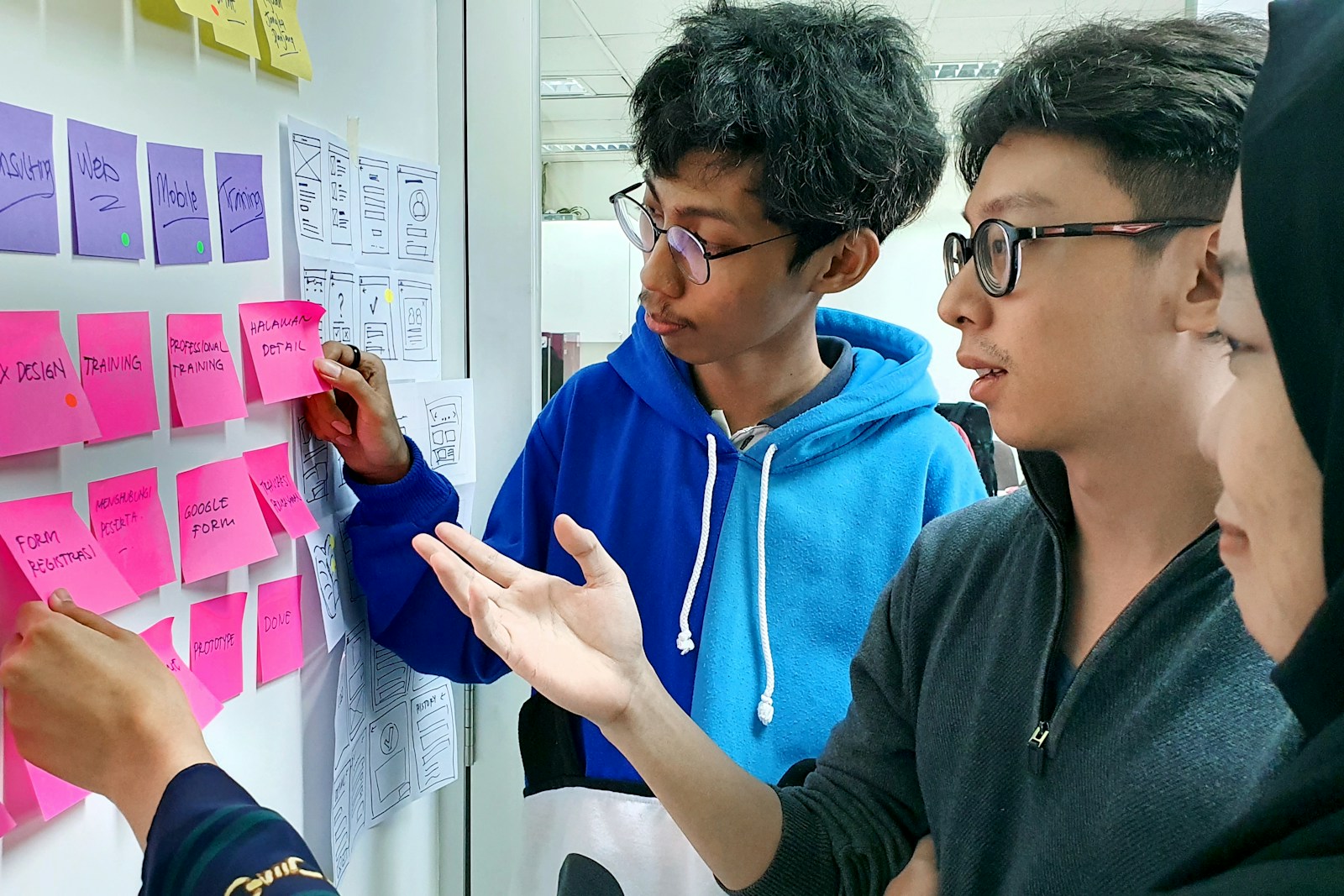
AI in User Testing - Sprint to Insights With a 5-Day Plan

AI for Project Management: Your New Superpower

Meta Launches AI Smart Glasses: Zuckerberg Warns of AI Bubble