Pitch and Clickable Prototype With AI in 48 Hours
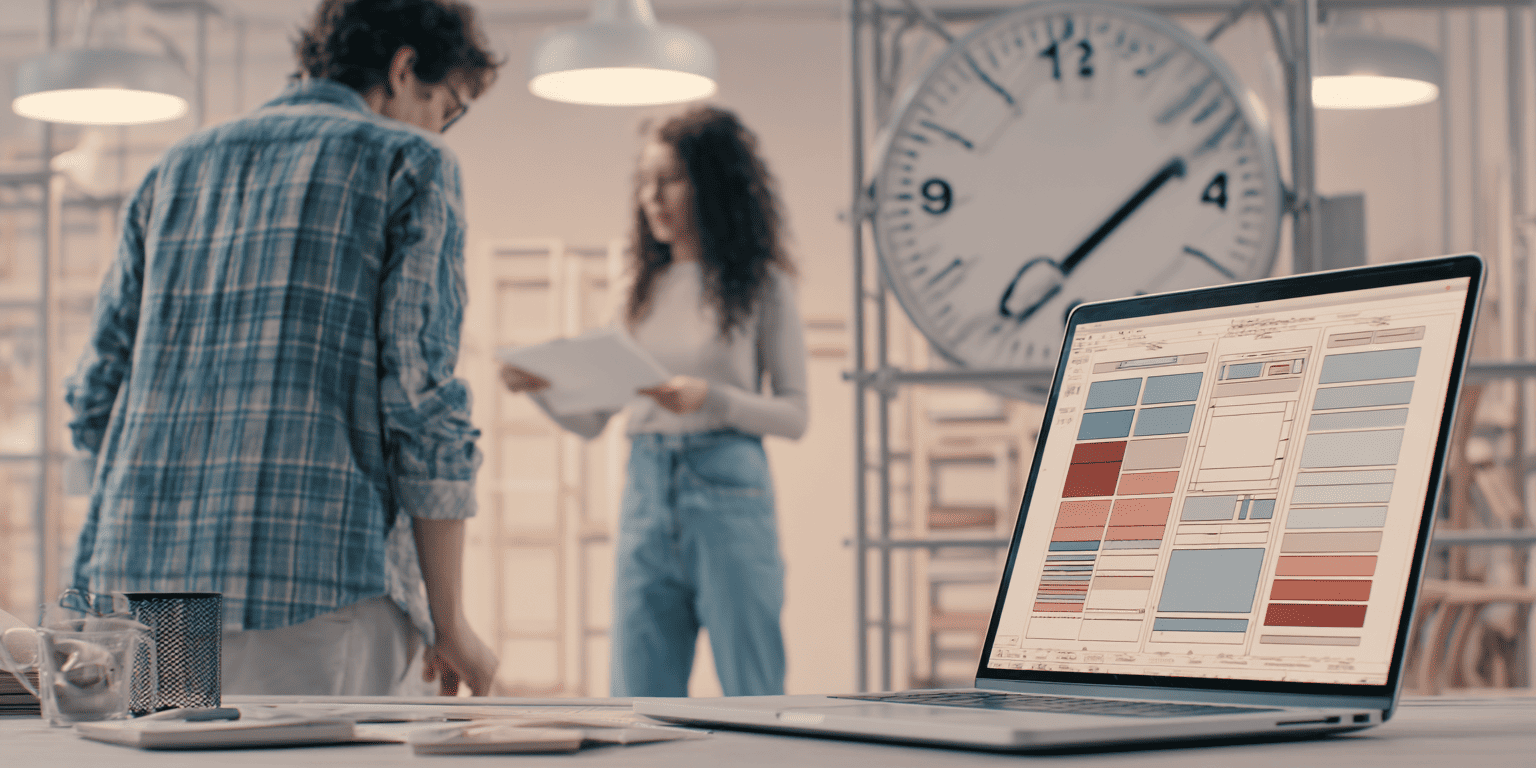
⏱️ 48 hours. That's how long (or short) it can take to go from idea to clickable prototype with AI. No long planning, no endless redos, just a clear method, smart tools, and focus. 👉 Here's the step-by-step guide. The question is: what would you dare to build in two days?
More and more creators in Sweden are discovering the power of building a pitch and clickable prototype with AI. It's fast, saves time, and opens up entirely new ways to deliver ideas. According to Internetstiftelsen's report Swedes and the Internet 2024, AI use is increasing in both everyday life and work, including in creative professions. Here's a clear method for taking an idea from thought to clickable prototype in just two days. You'll also get concrete milestones, the right tools, and fast validation with the client.
Day 1 - From Brief to Clickable Structure
0-2 Hours: Create a Sharp Brief With AI
Start by stating the problem in one sentence, the target audience in one sentence, and the goal in one sentence. Then refine the brief with a language model like ChatGPT. Ask for clear goals, measurable results, and concrete constraints. With OpenAI's prompt design guidelines, the answers become more precise and useful.
2-6 Hours: Research and Moodboard
Find three to five relevant references: campaigns, product flows, or visual styles. Gather everything on a shared board. Add AI-generated style explorations and variations for image and typography. Adobe Firefly offers generative image creation with content credentials and a commercial focus, making the material safe to use in a pitch.
6-10 Hours: Wireframes in Figma and First Copy
Sketch simple flows: landing page, value proposition, two to three core interactions, and a clear call to action. Make the prototype clickable in Figma so you can test navigation early. Let a language model create three to five copy variants per section (headline, subheading, and button text). Then choose whichever best hits the target audience.
Day 2 - Content, Testing, and Iteration
10-16 Hours: Create Content Fast (Image, Video, Voice)
Need demo scenes or a micro-video? Runway can generate short video clips and slick transitions good enough for an early pitch. For voiceover in a demo video, AI voices from, for example, ElevenLabs can create a first draft. Make sure all material follows the client's licensing requirements for safe use.
16-20 Hours: Refine Interactions and Make the Prototype Clickable
Keep building in Figma with transitions, hotspots, and states so the prototype feels like a real product. You can also use components and variables to quickly try different layouts and UI styles. This way, you get a more realistic flow and a clearer experience for test participants.
20-24 Hours: Quick User Testing and Iteration
Run three to five short remote tests where participants solve simple tasks in the prototype. For example, platforms like Maze capture clicks, completion rate, and qualitative feedback. Summarize the insights into three points and only make the changes that improve understanding and conversion.

Version Control, Quality, and Ethics
Version control: Work in clear sprints and save named versions in Figma so the team can always roll back if needed.
Quality control: Have a language model act as a "QA editor" for microcopy, tone, and clarity. Give it a style guide, target audience, and examples of good and bad content to get useful feedback.
Data protection and rights: If personal data or customer data is used, follow the Swedish Authority for Privacy Protection's guidance on GDPR and AI in development projects. For generated image and video material, ensure licenses and traceability. In addition, Adobe Firefly shows how Content Credentials can be used for transparency.
Deliver Your Pitch
A convincing pitch is best built when you focus on what matters most:
- One page: Problem, target audience, solution, benefit, and metrics.
- One minute: A short demo video of the prototype's main flow.
- One link: A shareable Figma prototype for a clickable experience.
- One plan: Next steps, timeline, and risks.
The key is to keep to the time, avoid redos, and use AI as an accelerating co-creator. This way you can quickly build a pitch and clickable prototype with AI that feels polished.
Two days go by fast, but with the right tools you can get further than you think.
The question is: what would you dare to test if the prototype only took two days to build?
(And yes, we might be counting a bit of sleep in those 48 hours.)