AI in User Testing - Sprint to Insights With a 5-Day Plan
Most teams say they want to test more often, but reality is full of deadlines, meetings, and too little time. With the right AI support, it's actually possible to recruit, test, and prioritize in five working days.
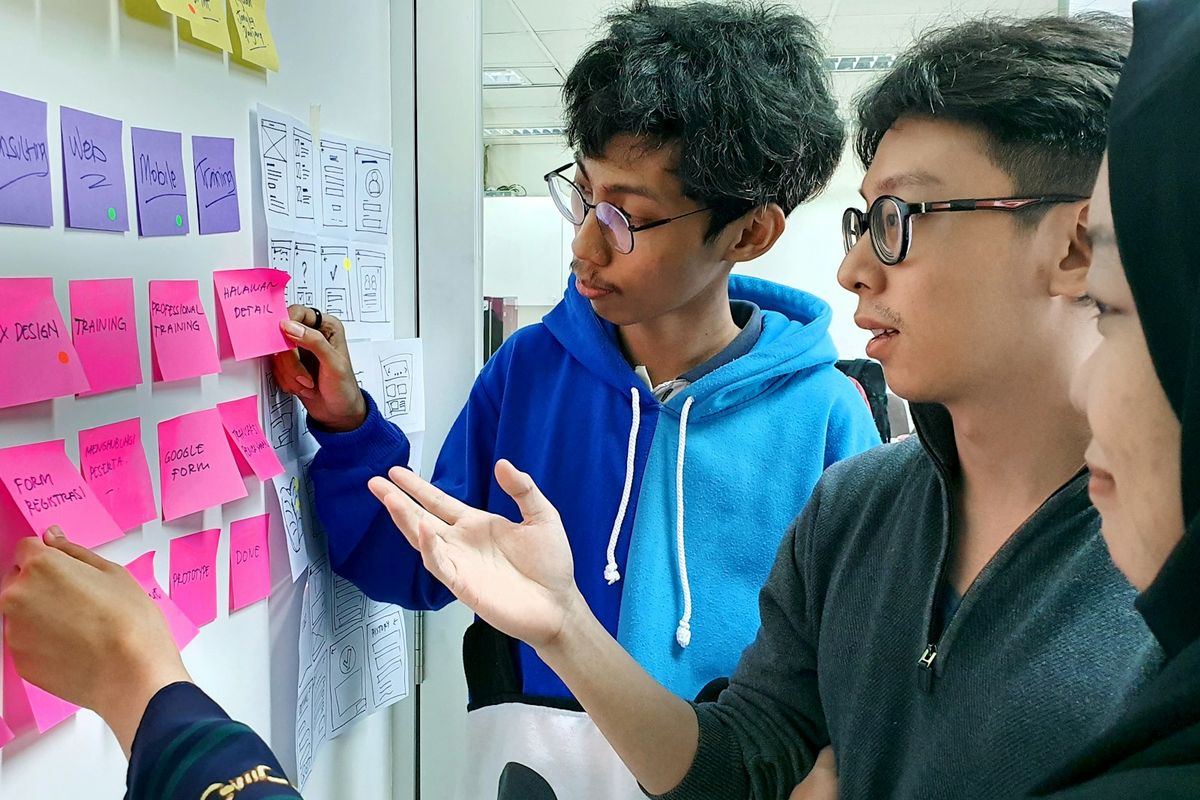
Want to test every week without slowing down development? This 5-day plan guides you from recruitment to a prioritized backlog in just five working days. The method combines classic UX principles with AI-supported user testing to save time on writing, analysis, and documentation. Everything follows Nordic GDPR requirements.
Day 1 - Recruit the Right Users, Fast
To get valuable insights, you need to start with the right people. Define the target audience and scenario: new user, returning customer, administrator, or citizen using an e-service.
Write a short screener and let an AI tool create 3-4 variants suggesting inclusion and exclusion criteria.
Use your existing customer base, research panels, or on-product intercepts. For public services, you can use citizen panels and expression-of-interest lists.
GDPR Check, Day 1
Data protection is fundamental to all AI-supported user testing.
Always ask for consent and minimize data collection. Read more at the Swedish Authority for Privacy Protection (IMY).
Always sign a data processing agreement (DPA) with vendors and choose EU hosting whenever possible.
For sensitive data processing, conduct an impact assessment (DPIA) per the Norwegian Data Protection Authority (Datatilsynet).

Day 2 - Design the Test to Measure What Matters
Define the hypothesis and goal. What do you want to improve - activation, time to value, or task success?
Write 5-7 realistic tasks and let AI suggest distractors and edge cases.
Metrics like task success, time, errors, and confidence give clear feedback.
Link the results to the HEART framework (Happiness, Engagement, Adoption, Retention, Task success) to create comparability over time.
AI-supported user testing makes it easier to understand what actually affects the user experience.
Day 3 - Execution Without Friction
Choose a format: 5 moderated, in-depth sessions, or 10-15 unmoderated for broader reach. According to the Nielsen Norman Group, small samples are enough to catch most of the major issues in early iterations.
Record screen and voice. Use tools with AI transcription and automatic tagging of pain points.
Anonymize all data, mask customer information, and inform about recording as per the consent given.
AI-supported user testing requires clear routines but minimizes manual handling. In other words, you save both time and energy.
Day 4 - Synthesis in Two Hours With AI Support
Cluster insights quickly. Let AI group quotes and observations by theme (navigation, copy, flows). Always validate manually.
Build an "evidence backlog": for each finding, note the evidence (timestamp, quote), impact, and suspected root cause.
Generate a 1-page "readout" with AI showing key issues, opportunities, and recommended experiments.
Quality-check the language and priorities before sharing.
This method lets the team draw useful conclusions in hours instead of days.
Day 5 - Prioritize and Link to KPIs
Score actions with the RICE model (Reach, Impact, Confidence, Effort).
Link each decision to business goals: activation, retention, or churn risk. Plan A/B tests where the hypotheses can be measured.
For public e-services, make sure the improvements also raise accessibility according to the Web Accessibility Directive and WCAG 2.1.
When AI-supported user testing is linked to KPIs, the result becomes concrete. At the same time, you can see directly which improvement affects the business the most.
Templates and Tools to Start With
Screener template: five questions - two must-haves, two nice-to-haves, and one exclusion question.
Test script template: introduction, 5-7 tasks, follow-up questions, and a mini survey.
Analysis template: finding → evidence → impact → action → KPI → RICE.
Tool criteria: EU hosting, DPA, AI transcription, raw data export, and tags.
The right templates and tools make AI-supported user testing a natural part of the development cycle.

Next Step: Make AI Your Testing Partner
In five days, you've recruited the right users, tested, analyzed, and prioritized an action list traceable to KPIs.
Repeat the cycle every week to reduce risk and increase development speed - without cutting corners on privacy or quality.
What most often stops you from testing every week? Time, recruitment, or analysis?