AI Features in Design Tools: How 2026's Visual Language Is Taking Shape
We shape AI's defaults until AI's defaults shape us. Auto-branding is convenient; homogenization isn't. Put your non-negotiables in the prompt, encapsulate them in tokens and brand kits, and let AI do the grunt work, but let your signature guide the final touch.
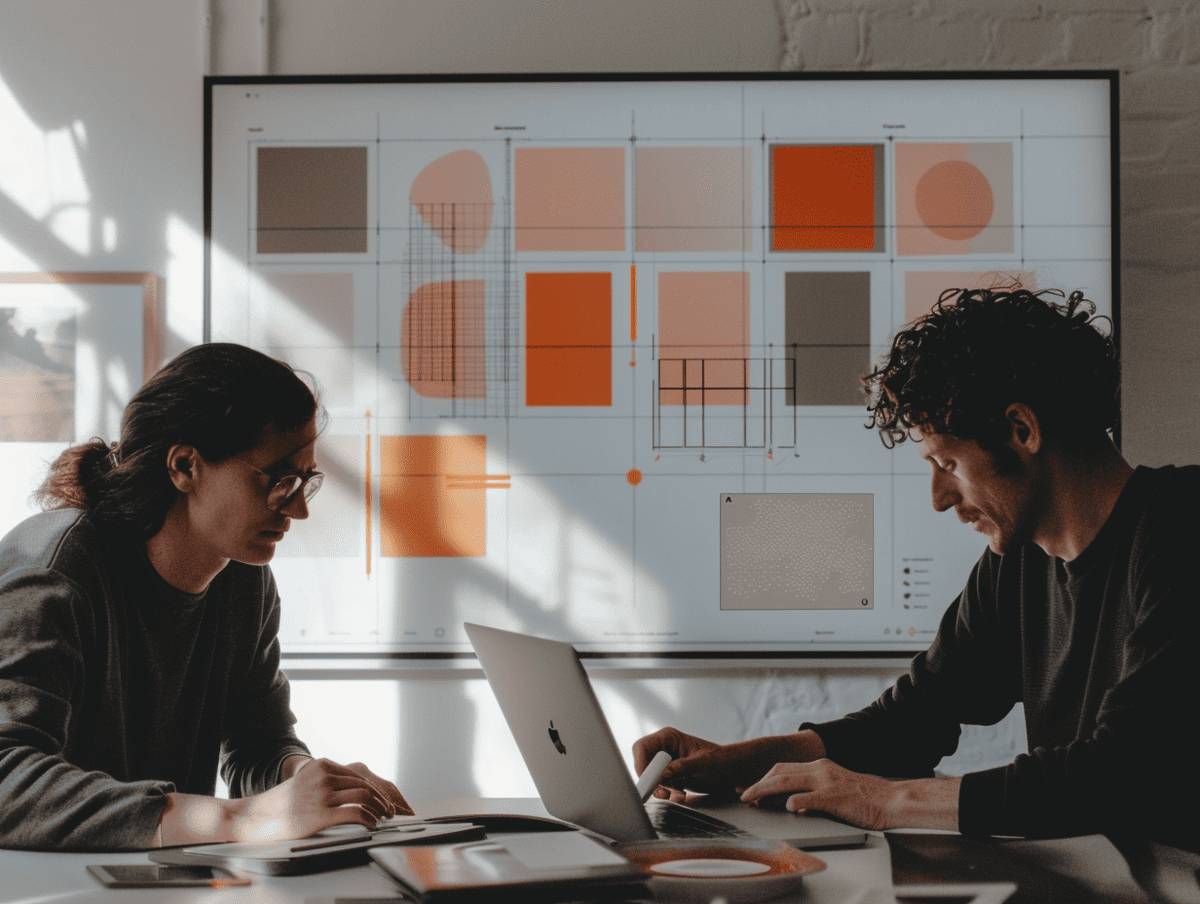
AI features in design tools are shifting the standard right before our eyes. That's why we're seeing Figma, Adobe, and Canva let AI generate layout, apply brand profiles, and speed up the path from idea to prototype. At the same time, a clear concern is emerging for Nordic agencies, freelancers, and SMB owners: when AI features in design tools drive the default choices, how much of a "unique" visual language remains in 2026? Consequently, the question isn't whether we use AI, but how we steer it.
Generative Layout Becomes the Baseline
AI features in design tools mean the foundation gets sketched out automatically. That's why the first hour of a project often goes to the machine, not the human. At the same time, this opens up time for strategy, storytelling, and detail quality.
Figma AI Turns Prompt Into Prototype
Figma AI is on its way to normalizing "prompt-to-wireframe." For example, Figma AI generates surfaces, components, and text as starting suggestions, writes documentation, and finds the right components in the design system. This shifts the first 60 minutes of layout work to the machine (source: Figma, introduction). In addition, Variables and tokens make it easy to parametrize color, typography, and spacing, so "layout as code" is just a click away. Consequently, AI features in design tools become both a quick start and a quality safeguard.
Canva: AI Features in Design Tools in Everyday Production
Canva has ramped up Magic Studio and made generative creation plus template-driven production easy for non-designers. For example, with Magic Design, users can create concepts and variants from simple inputs, while Brand Kit applies colors, logos, and fonts consistently in one sweep. This leads to more drafts, faster. Still, there's a risk: when the same templates and AI suggestions dominate, homogenization increases, especially when AI features in design tools shape the starting points.
Auto-Branding Squeezes Out Distinctiveness
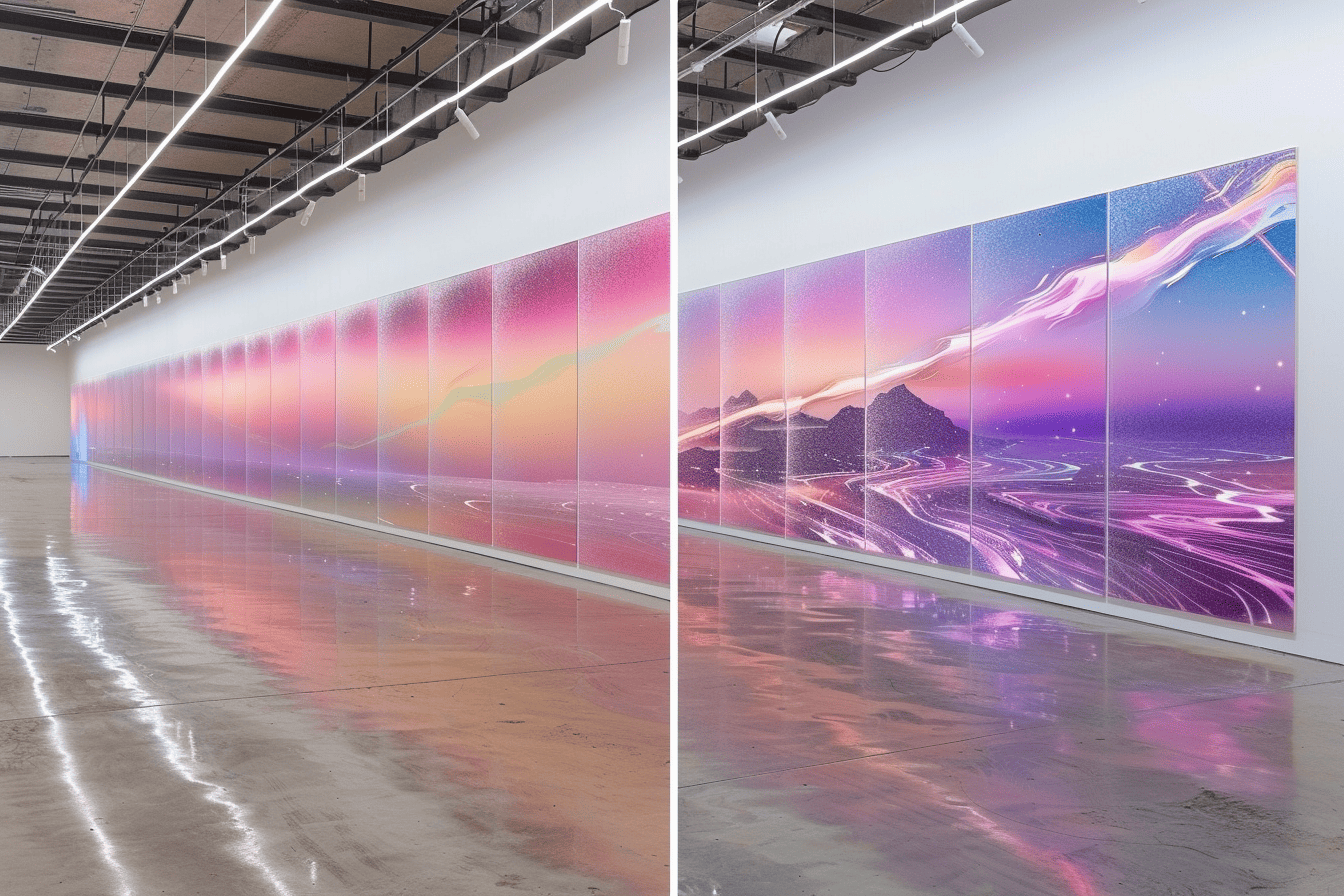
When AI features in design tools apply the brand automatically, distinctiveness gets squeezed. That's why teams need to express "their own thing" in controllable parameters, not just in post-processing.
Adobe Puts the Style Reference in the Tool
Adobe has built generative fill and Style Reference into Firefly/Photoshop. This makes it easy to match visual style and quickly create material "on brand." Firefly works directly in Photoshop and Express, and can be guided by a reference style to reproduce look & feel consistently (sources: Adobe Firefly and Style Reference). For SMB owners, that means less friction and faster production. At the same time, designers risk having their "signature" subordinated to the modules' defaults. So clear "non-negotiables" are needed to avoid dilution when AI features in design tools set the pace.
Real-Time Prototyping Shortens Lead Times
Since AI features in design tools move work forward in real time, the time to a first version shrinks dramatically. That's why the AI-generated result often becomes the audience's first impression too.
AI Features in Design Tools: From Idea to Clickable Demo
With Figma AI for sketches, Variables for themes, and Dev Mode/handoff, teams can go from text brief to interactive prototype much faster than before (source: Figma, introduction). At the same time, Canva offers generative flows for sites and presentations, giving marketing teams testable concepts right in the client meeting (source: Magic Studio). Consequently, the first AI drafts often live on longer than planned, making control of quality and tone especially important, particularly when AI features in design tools shape the first impression.
What It Means for 2026's Visual Language
As AI features in design tools become everyday tools, the playing field changes. That's why leaders, creators, and product teams should plan for new roles, new metrics, and new guardrails.
Three Shifts to Expect
Homogenization as the default. When more people use the same AI suggestions and templates, the pressure toward look-alikes increases. That's why the differentiator is no longer the tool, but how the team instructs, edits, and curates the AI output.
Brand as prompt competence. "Brand voice" and "style reference" move brand work into the prompt. So whoever can distill the brand core into controllable parameters in tokens, systems, and guides - not just in the final polish - wins.
Regulations set the framework. The EU's AI Act requires transparency for synthetic content, which could make labeling and traceability new defaults in workflows (source: European Parliament, the AI Act). Consequently, compliance becomes part of the design process, not a step at the end.
The Uncomfortable Question for Creators and SMB Owners
When AI features in design tools set the defaults, you need to move the craft upstream. That's why you should define the rules before AI does it for you.
Who Owns the Default?
If the tools already suggest layout, image style, and copy, what's actually left as truly your own in 2026? The answer isn't to avoid AI, but to move the craft. So: define your "non-negotiables" in prompts and systems (tokens/variables), build your own style templates in Brand Kits/Design Systems, and establish internal criteria for when AI drafts are just a reference - not the final answer. At the same time, document decisions, version parameters, and evaluate consistently. Otherwise, the tools' defaults design your identity, not you.
Finally, if the tools decide the default choices, how much truly "unique" visual language does your brand have left in 2026, and what are you doing about it right now?