8 Tips for Recognizing an AI Image
Learn to identify images created by AI with our eight essential tips. Our guide helps you spot the subtle signs that reveal artificial images and protect yourself against disinformation.
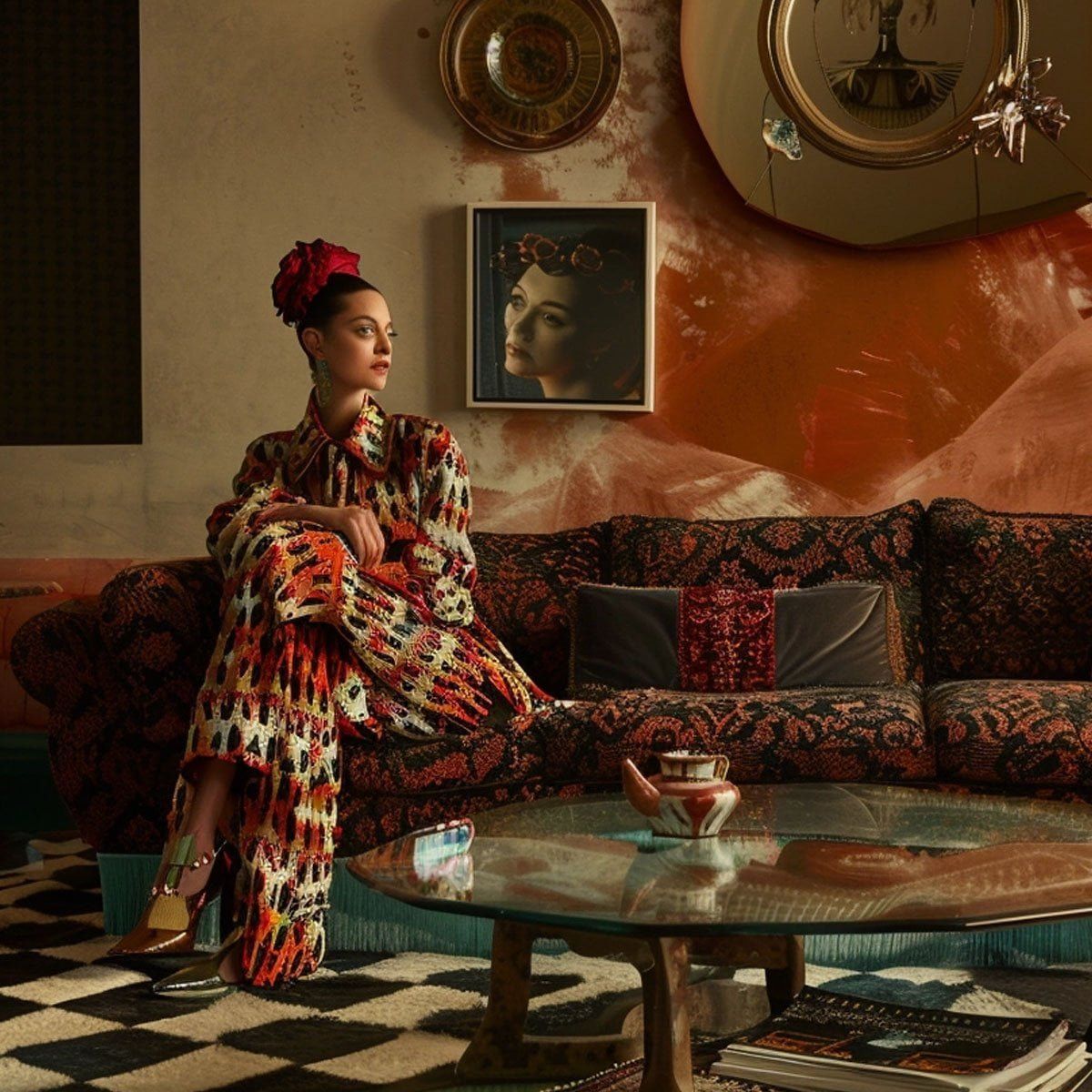
With advances in AI, it's become increasingly easy to create convincing images in no time. Unfortunately, this can also lead to the spread of disinformation. But there are ways to detect images created by AI.
Anatomical Details
AI models can struggle with fine details like body parts. For example, an incorrect number of fingers can be an indication that an image was generated by AI. Eyes can also be a giveaway if they have strange proportions.
Unnatural Hair
Another area where AI can stumble is hair. The challenge of capturing how light interacts with individual strands of hair can make hair look unnatural, which can be a sign that the image isn't genuine.
Distorted or Incorrect Text
AI also struggles with text. An AI-generated image may contain text that looks blurry, contains nonsense symbols, or doesn't fit the context of the image.
Shadows, Light, and Reflections
Inconsistencies in how light and shadows are rendered can be an indicator that an image is AI-generated. It's important to note the direction and quality of shadows, as well as how light reflects off surfaces like water or glass. A trained photographer has no trouble at all quickly spotting whether shadows look natural.
Waxy Skin Tones
The latest AI models have gotten better at hiding many previous imperfections, but they still struggle to convincingly recreate surfaces like skin.
Strange Depth of Field
AI-generated images can often have a background with disproportionate depth of field, which can be a sign that the image isn't genuine.
Use an AI Image Detection Service
To further verify the authenticity of an image, you can use services like WasItAI or AI or Not, which can give an indication of whether an image was generated by AI.
Try Reverse Image Search on Google
Tools like Google's reverse image search can also be used to investigate an image's origin and see if similar images exist, which can help identify whether an image is AI-generated.